
Your brand, set up once and applied everywhere
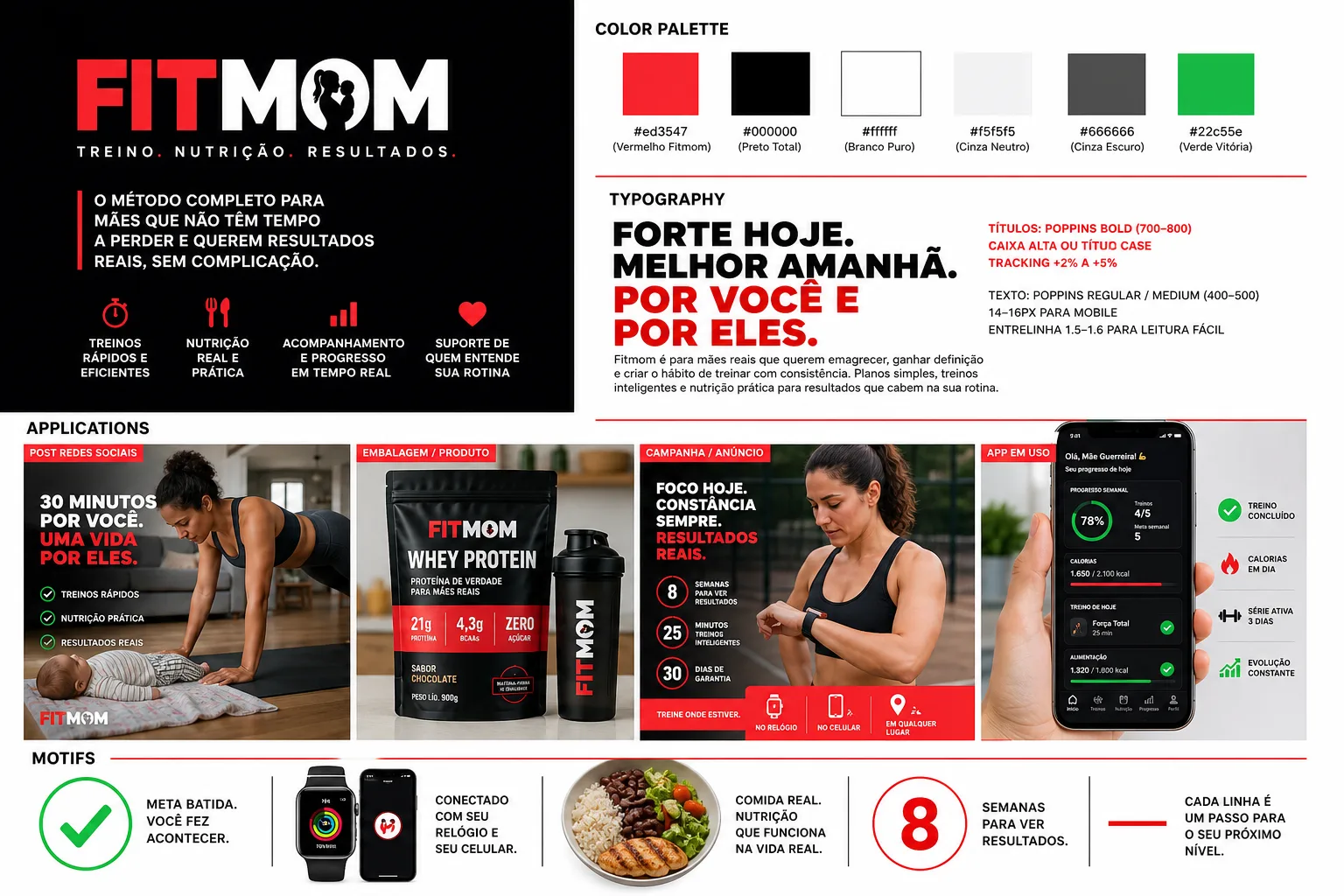
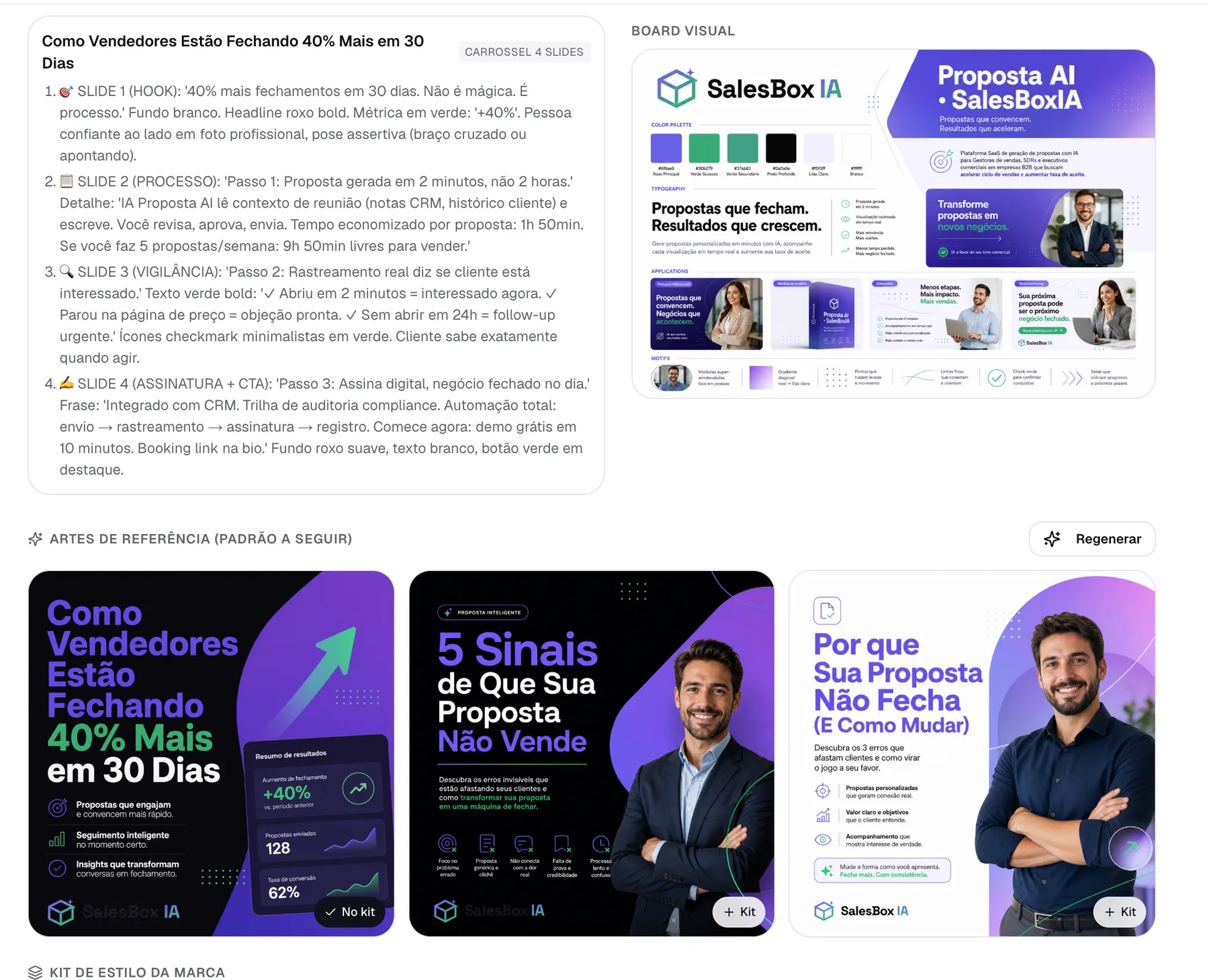
Createfy reads your @ handle or your website and builds your brand guidelines: palette, typography, graphic elements and application examples. From then on, every carousel, image and caption comes out in that identity. You don't re-explain colors, tone or logo for every post.

Enter your @ or your website. No sign-up, no card.
How it works
- 01
Share your @ or website
The AI reads the profile, the website and the brand's existing materials and pulls out its essence: colors, typography, tone of voice and the way it talks to your audience.
- 02
Review the guidelines
Palette, typography, graphic elements and applications arrive ready for review. Adjust whatever doesn't represent the brand; what stays is what applies from then on.
- 03
Everything comes out in that identity
Carousels, images, captions and ad creatives start out with your logo, your colors and your tone, across every brand you manage.
Where it fits in your routine
Six stages, from brief to learnings. This page covers stage 01.
- 01Learns your brandthis page
Niche, tone, audience and visual identity, set up once.
- 02Plans the month
A calendar with one topic a day, in your niche's vocabulary.
- 03Creates the posts
Carousel, image and caption in your brand identity.
- 04Sends for approval
The client reviews in the calendar and approves. Nothing goes out without the OK.
- 05Publishes
Scheduling and automatic publishing, brand by brand.
- 06Learns from results
What worked becomes context for next month.
This is a better fit for you if you…
Accountant or lawyer? Accountants and lawyers have their own pages.
Straight questions, straight answers
Do I need existing brand guidelines?
No. If you already have a logo, colors and fonts, just upload them. If you don't, the AI builds a first version from your @ or your website and you adjust whatever you like.
Can I keep several brands separate?
Yes. Each brand has its own identity, its own tone and its own content history, with no mixing. How many brands you can have depends on your plan.
Does the consistency hold up over time?
Yes. The identity is saved to the brand, not to the post: the same foundation feeds every new generation, and whatever was approved and published becomes context for the next ones.
See the full routine for your type of business
A feature is one stage. Your industry's page shows the full workflow, with examples from your market: planning, creation, approval and publishing.